
Download My Faster PC – Performance Optimization Tool, PC Repair, Speed Boost, Registry Cleaner, Disk Cleaner
Overview
My Faster PC is a performance optimization tool designed to enhance the speed and stability of desktop computers. The app aims to resolve system errors and minor anomalies that can degrade performance over time, restoring a smoother, more responsive computing experience. It is particularly useful for users who notice their PC slowing down after extended use or after installing multiple applications. By identifying and addressing underlying issues, My Faster PC helps maintain consistent performance levels, reducing lag and improving overall system responsiveness.
Target users include general consumers, home users, and individuals without advanced technical knowledge who seek a simple way to maintain their PC’s efficiency. The app is recommended for monthly use, suggesting a maintenance-oriented approach to system health. Although the developer did not provide additional background details, the app has been available since 2010, indicating a long-standing presence in the PC optimization space. Its continued relevance points to consistent functionality and user demand.
Real-world use cases include preparing a computer for intensive tasks such as video editing, gaming, or multitasking, where system performance is critical. It also supports routine maintenance, helping users extend the effective lifespan of their hardware. In the broader app ecosystem, My Faster PC fills a niche for lightweight, accessible PC maintenance utilities, offering a streamlined alternative to more complex system management tools.
Key Features & Functionality
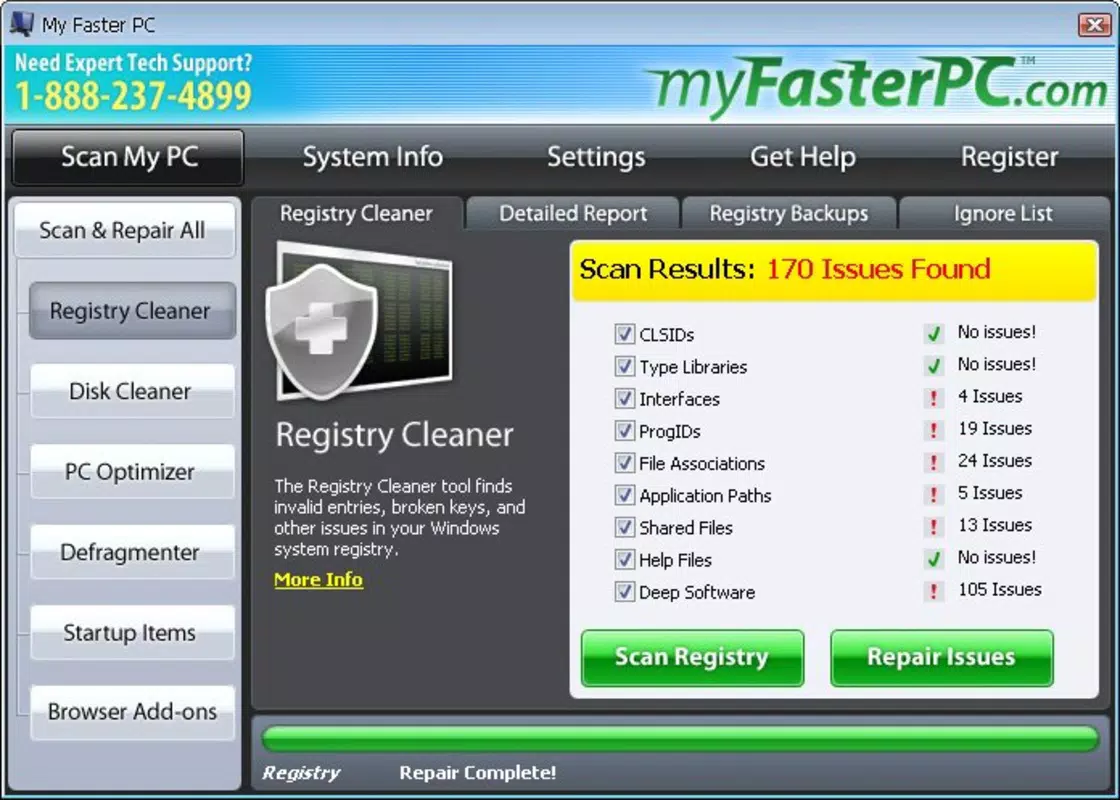
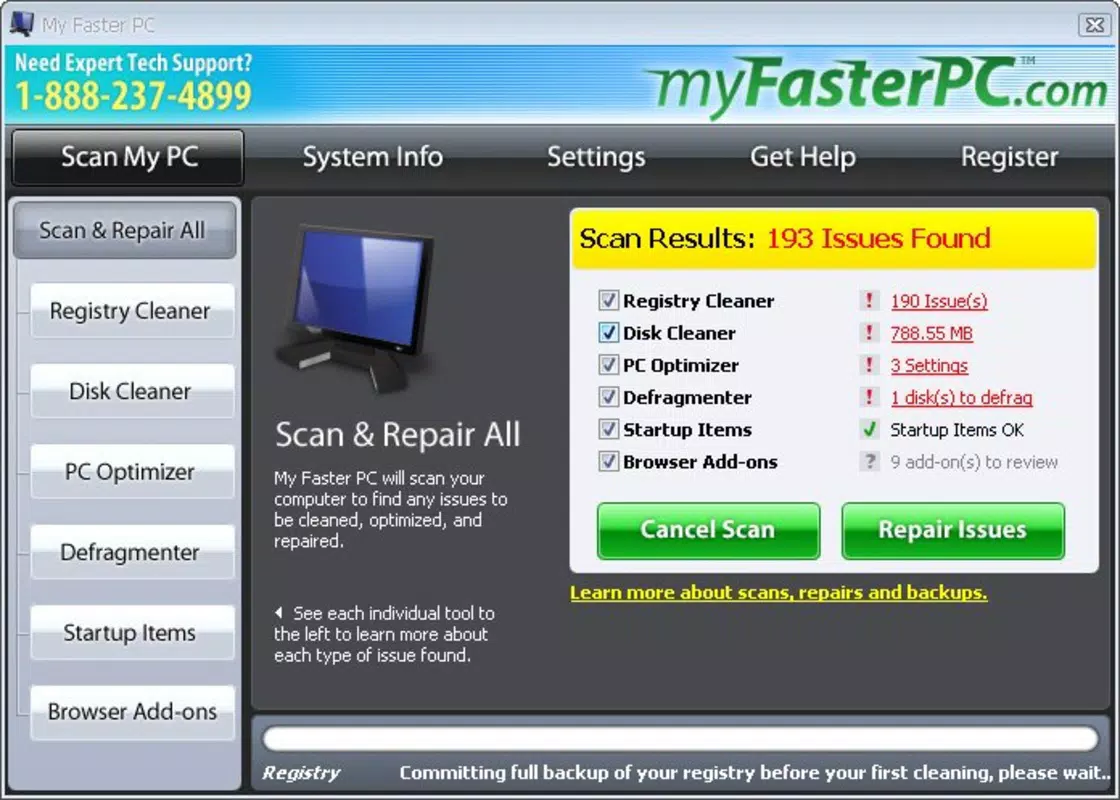
- Comprehensive Error Scan: The app conducts a full system scan to detect errors and minor anomalies that may be impacting performance. This proactive detection allows users to address issues before they lead to system instability or slowdowns.
- One-Click Problem Resolution: Once issues are identified, users can resolve them with a single click, eliminating the need for technical expertise. This feature is ideal for non-technical users who want immediate improvements without navigating complex settings.
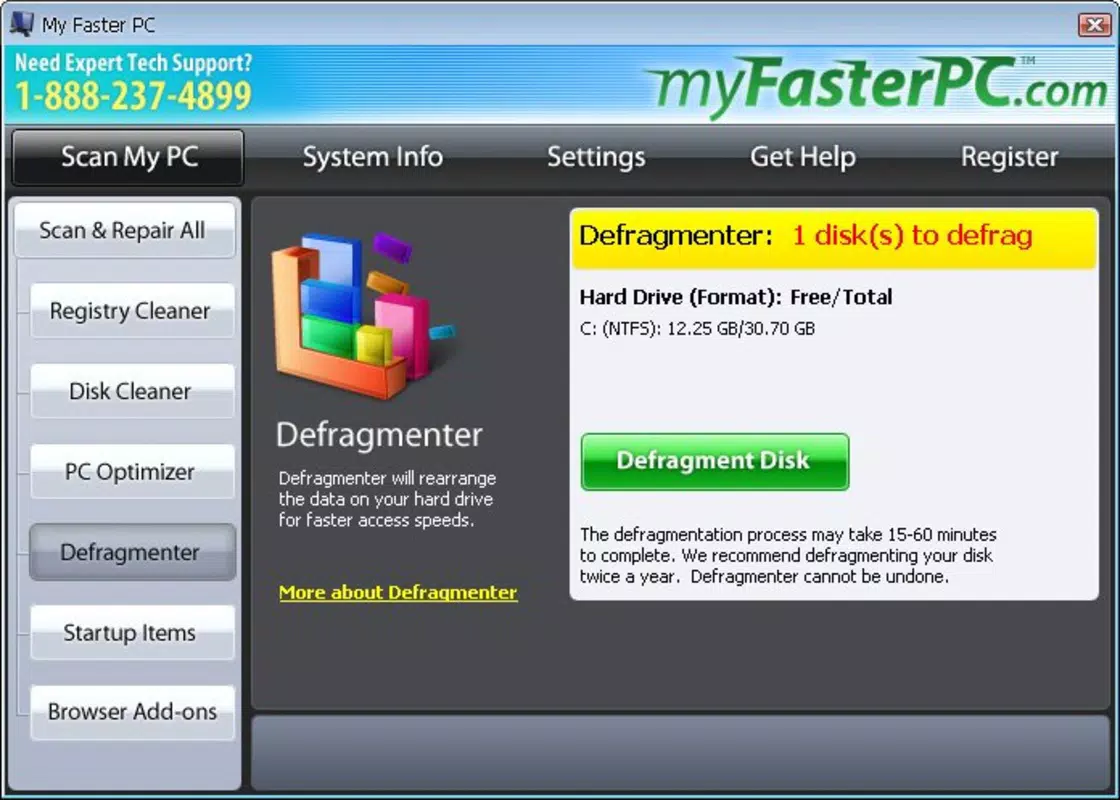
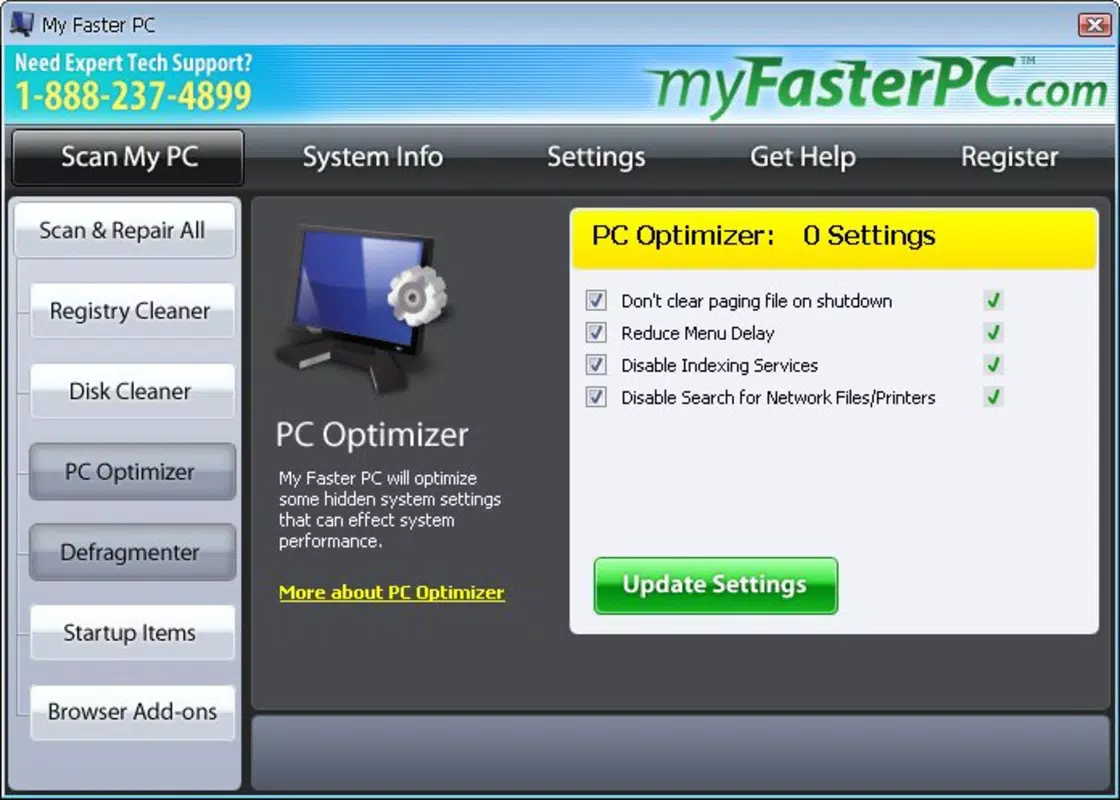
- Multiple Optimization Tools: Included utilities such as a registry cleaner, disk cleaner, defragmenter, and startup manager provide flexibility in how users approach system optimization. Each tool can be used independently or in combination, allowing for customized maintenance routines.
- Monthly Maintenance Recommendation: The developer advises using the tool at least once a month to sustain optimal performance. This regular usage pattern supports long-term system health and prevents the accumulation of performance-degrading clutter.
- User-Friendly Interface: The interface is designed for simplicity and ease of navigation, enabling users to access tools and initiate scans without confusion. This focus on usability ensures broad accessibility across different user skill levels.
For example, a user preparing for a presentation might run a full scan and one-click fix to ensure their laptop operates smoothly during the session. Similarly, someone experiencing slow boot times could use the startup manager to disable unnecessary programs, significantly reducing load time. These practical applications demonstrate the tool’s value in real-life scenarios.
Interface, UX & Performance
My Faster PC features a clean, intuitive interface that prioritizes accessibility. The layout is organized around core functions such as scanning, fixing, and tool selection, allowing users to navigate with minimal effort. Visual cues and clear labeling support quick understanding, reducing the learning curve for new users.
Navigational flow is straightforward—users typically begin with a scan, review results, and apply fixes with a single action. This linear process enhances usability and minimizes the risk of accidental misconfigurations. The app maintains responsiveness during scans and operations, though specific performance metrics were not provided by the developer.
Although the developer did not list formal performance metrics, the app is designed to operate efficiently on standard desktop systems. Stability appears to be a focus, as the tool is recommended for regular use without warning of system risks. Compatibility with older systems is implied by its release date in 2010, suggesting broad hardware support across multiple generations of PCs.
Platform Compatibility & Technical Requirements
My Faster PC is designed for desktop operating systems, specifically Windows-based environments. The app is available for both 32-bit and 64-bit versions, though specific OS requirements were not listed. The file size is reported as 12.3 MB, indicating a lightweight footprint that does not burden system resources.
The software version is not specified in the provided data, nor are exact compatibility details for different Windows editions. The developer did not disclose minimum OS requirements, so users should exercise caution when installing on older or non-standard configurations. While the app has been in circulation since 2010, it may not be optimized for the latest Windows updates without verification.
Pros and Cons
Pros
- Simple one-click fixes for system issues
- Comprehensive scanning for performance problems
- Includes multiple tools for customized optimization
- Designed for non-technical users
- Lightweight file size (12.3 MB)
Cons
- Specific OS and version requirements not disclosed
- No information on update frequency or support status
- Developer background not publicly available
- Performance benchmarks not provided
- Limited transparency on security protocols
FAQ
Is My Faster PC safe to use on my PC?
The app is designed to identify and resolve common performance issues. However, users should ensure they download it from a trusted source to avoid potential risks associated with third-party software.
Can I use My Faster PC on older Windows systems?
While the app has been available since 2010, specific compatibility with older Windows versions was not confirmed. It may function on legacy systems, but users should verify system requirements before installation.
How often should I run My Faster PC?
It is recommended to use the tool at least once a month to maintain optimal performance and prevent the buildup of system clutter.
Does My Faster PC require an internet connection?
Basic scanning and fixing functions do not require an internet connection. However, updates or additional features may depend on online access.
Is My Faster PC free to download and use?
The provided data does not specify pricing details. Users should check official sources for current availability and cost information.
Final Thoughts
My Faster PC stands out as a practical, user-focused tool for maintaining PC performance. Its straightforward interface and one-click solutions make it accessible to users of all technical levels, while its suite of built-in utilities offers meaningful control over system health. The emphasis on regular monthly maintenance promotes a proactive approach to digital device care, helping users avoid major slowdowns or crashes.
For individuals seeking a reliable, no-frills way to keep their computer running smoothly, My Faster PC delivers consistent value. Its lightweight design and long-standing presence in the market suggest durability and reliability. While some technical transparency is missing, the core functionality remains clear and effective.
Download My Faster PC now


